Greeting your new residents
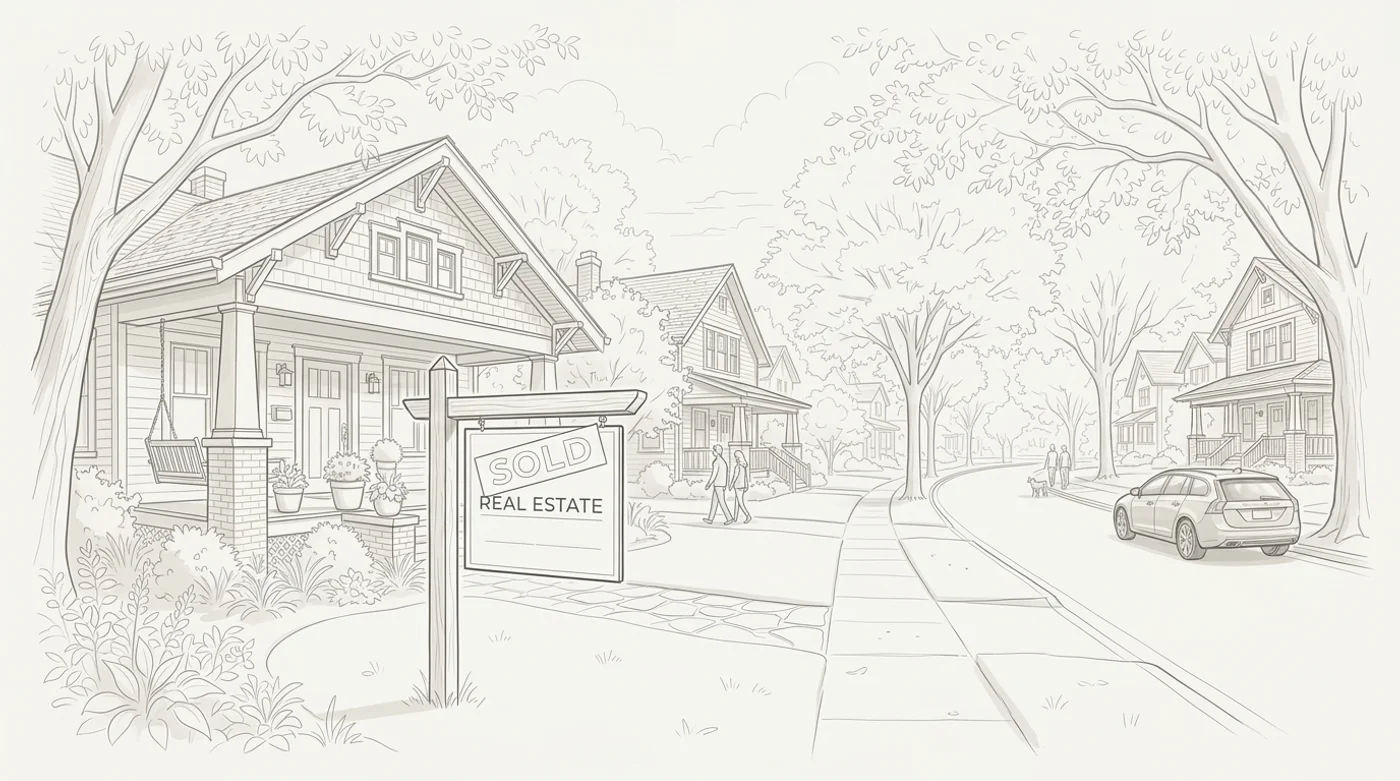
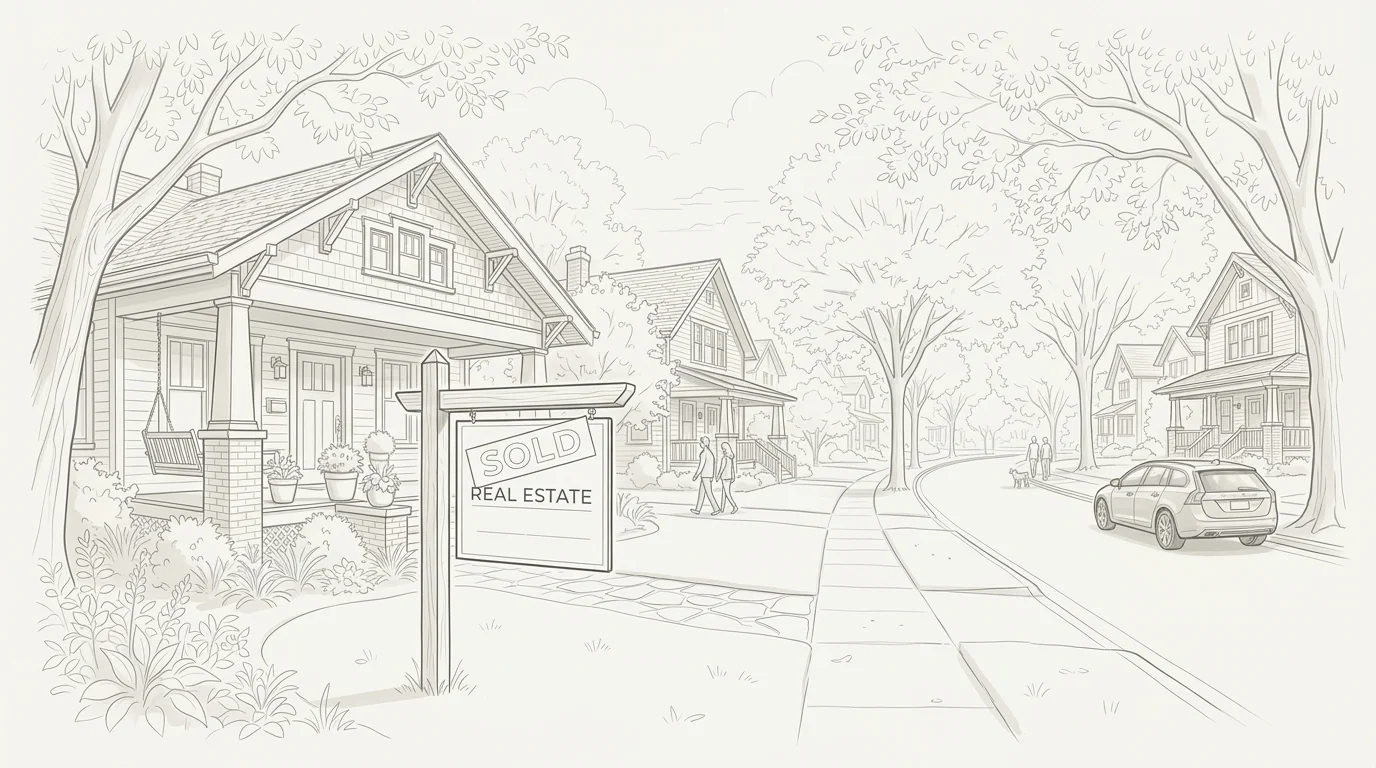
I recently attended a neighborhood association leadership meeting, and one of the neighbors mentioned how much it meant to them when they found a flyer at their door during their very first week in their new home. It was a warm note from the neighborhood association president—greeting them, sharing upcoming association meeting dates, and helping them feel immediately plugged into the community.
That first week is truly the best time to connect. When someone is unpacking boxes and settling into a new routine, they appreciate knowing the practical neighborhood details—trash and recycling pickup schedules, street cleaning, upcoming block events, and maybe, just maybe, how to get involved in the neighborhood association.
Where to Find Recent Home Sales
You don't need subscriptions or special tools to find recent home sales. Here are three reliable ways neighborhood associations track them:
1. County Assessor & Deed Records: Most counties provide a free property search portal. For example, if your neighborhood association is in the Des Moines area, the Polk County Assessor website allows you to search recent sales and deed transfers by street or subdivision.
2. Real Estate Aggregators (Zillow, Redfin & Realtor.com): Search your neighborhood on Zillow, Redfin, or Realtor.com, set the filter to 'Recently Sold' (e.g. past 30 or 90 days), and use the map tool to outline your neighborhood boundary. Redfin also includes a 'Download All' CSV button at the bottom of search results to quickly export addresses and sale dates.
3. Realtors on Your Board: If an association volunteer or board member is a licensed real estate agent, they can easily pull a monthly closed-sales report for your neighborhood boundaries directly from the local MLS.
What to Include in a Welcome Packet
Keep welcoming packets simple, friendly, and practical:
• A friendly welcome note from your neighborhood association board or block captains.
• Key neighborhood dates (annual meetings, block parties, community cleanups, yard sales).
• Essential city services (trash/recycling pickup days, yard waste collection, snow parking rules, and non-emergency city contacts).
• How to connect: A link to subscribe to your neighborhood email newsletter and website.
Tracking Welcomes in BlockVibe
BlockVibe includes a built-in Welcomes Tracker inside the CRM to keep outreach organized across your board:
• Import CSV: Upload recent sales spreadsheets from Redfin or county assessor exports in seconds.
• Assign Volunteers: Assign a board member or block captain to greet each address so outreach is shared fairly.
• Track Status: Mark addresses as Done, keep notes on resident interests, and ensure no new neighbor is missed.
Quick Tip: Board members can access the Welcomes tracker anytime at /dashboard/welcomes or through the CRM tab in your dashboard.